> For the complete documentation index, see [llms.txt](https://gamelauncher.gitbook.io/documentation/llms.txt). Markdown versions of documentation pages are available by appending `.md` to page URLs; this page is available as [Markdown](https://gamelauncher.gitbook.io/documentation/getting-started/installation/tip-make-your-host-files-visible.md).
# \[TIP] Make your host files visible
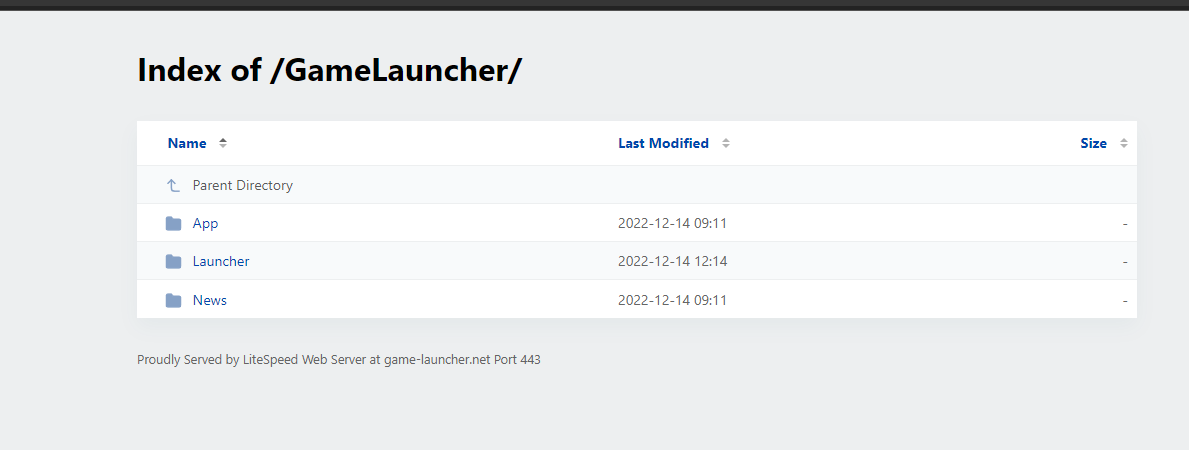
The ***.htaccess*** file in your Host allows this type of view
{% hint style="info" %}
Example:
{% endhint %}
Host Easily Visible Files
1. Create a file called *.htaccess* in the root of your Host.
**Add this line at the end of the file and save it.**\
\
*`Options All`*\
\
(If you are using WordPress it should be after #End WordPress)